Sunday, April 14, 2013

Howto get auto generated values from rows created by SQL inserts in DB2

Normally you know exactly which values are in the columns of a newly inserted row in a database table. But when your table has an automatic generated identity column which is the primary key of the table you will want the automatic generated key value from your insert statement. But the normal insert command does not give back values. Fortunatly newer DB2 Version have the "Select from final Table" clause to solve the problem.

For example we have an address table created by the following commands:

CREATE TABLE PETTER/ADRESSEN (
    "KEY" INTEGER GENERATED ALWAYS AS IDENTITY (
    START WITH 1 INCREMENT BY 1
    NO MINVALUE NO MAXVALUE
    NO CYCLE NO ORDER
    CACHE 20 ),
    NAME1 CHAR(20) CCSID 273 NOT NULL ,
    NAME2 CHAR(20) CCSID 273 NOT NULL ) ;
 
LABEL ON COLUMN PETTER/ADRESSEN
( "KEY" TEXT IS 'Primary Key' ,
    NAME1 TEXT IS 'Name1' ,
    NAME2 TEXT IS 'Name2' ) ;


And here is the code to add a row and get the automatic created identity number back in one step.

   
   PreparedStatement ps = con
     .prepareStatement("Select * from final table (Insert into petter/adressen( name1,name2) values('Ralf','Petter'))");
   ResultSet rs = ps.executeQuery();
   rs.next();
   System.out.println(rs.getBigDecimal(1));


With the "Select from final table" clause you can retrieve values which are set by trigger prgograms or other advanced Db2 features too. 
Friday, April 12, 2013

The Art of Java performance tuning.

There was a very interesting session at Eclipse Con 2013 in Boston about low level java performance tuning from Ed Merks. You can find the session slides at: http://www.eclipsecon.org/2013/sites/eclipsecon.org.2013/files/JavaPerformanceTuning.pptx

P. S. The interesting slides start at slide 17. 

Thursday, April 11, 2013

Happy Birthday to the best application server on earth

This year the best application server system celebrate its 25th birthday. Watch this video to see why the "IBM i" is  is such a great system.


Howto split a String with a delimiter in SQL

Today i want to show how to split a String with a delimiter in SQL for example in a table with modelnumbers which consists of two parts sperated by a slash.

model
A1/44
CX3/2
C/140

To get the first and second part of the modelnumber you can use

select  LEFT( trim(model),LENGTH(trim(model))-ABS(LOCATE('/',trim(model))-1)) model1, RIGHT( trim(model), LENGTH(trim(model))-LOCATE('/',trim(model))) model2 from modeltable

to get the result:

model1   model2
A1       44
CX3      2
C        140
     

Wednesday, April 10, 2013

MammothHq The next social network?

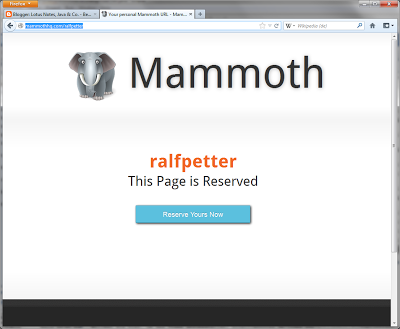
I do not know if http://mammothhq.com/ralfpetter is the next big thing in the internet, but the registration is free and easy. So if you want you can try out with the above link.


Thursday, April 4, 2013

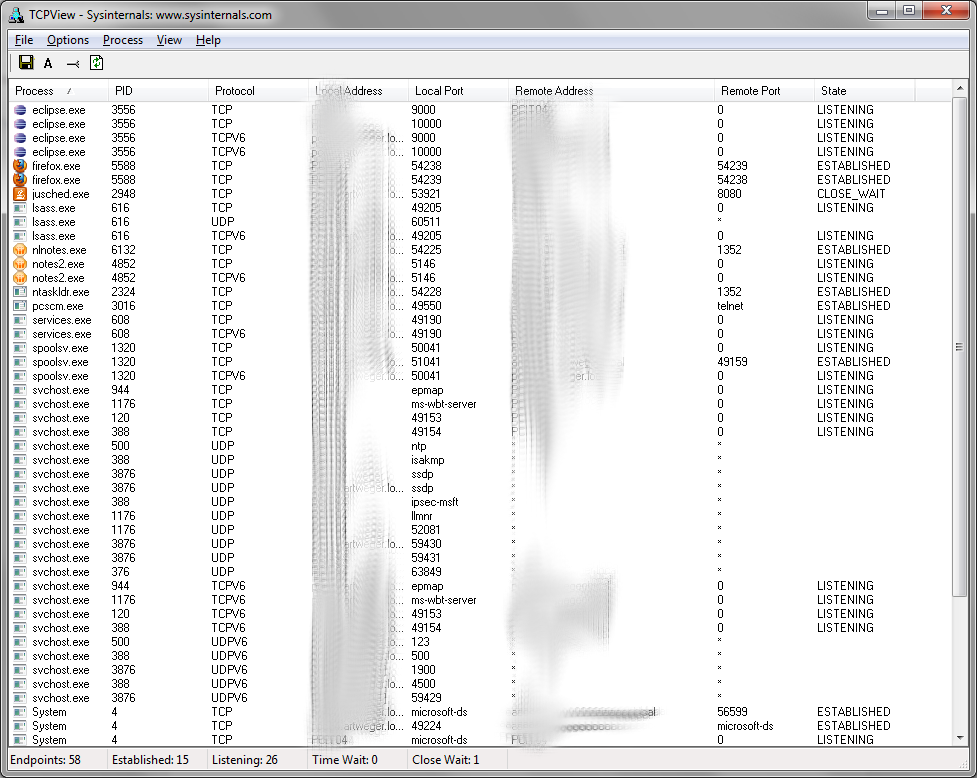
Cool tool to analyze TCP Port activity

Windows has a command line tool to monitor which ports are used by which process called "netstat". But this tool is not very easy to use and on some operations very slow. But fortunatetly the genius guys from Sysinternals provide the great tool TCPView for this task. With this tool you see a overview of all used tcp ports and their status. So for example you can easily find out which process listens on which ports. You can even kill processes to free the ports in this tool.


Tuesday, April 2, 2013

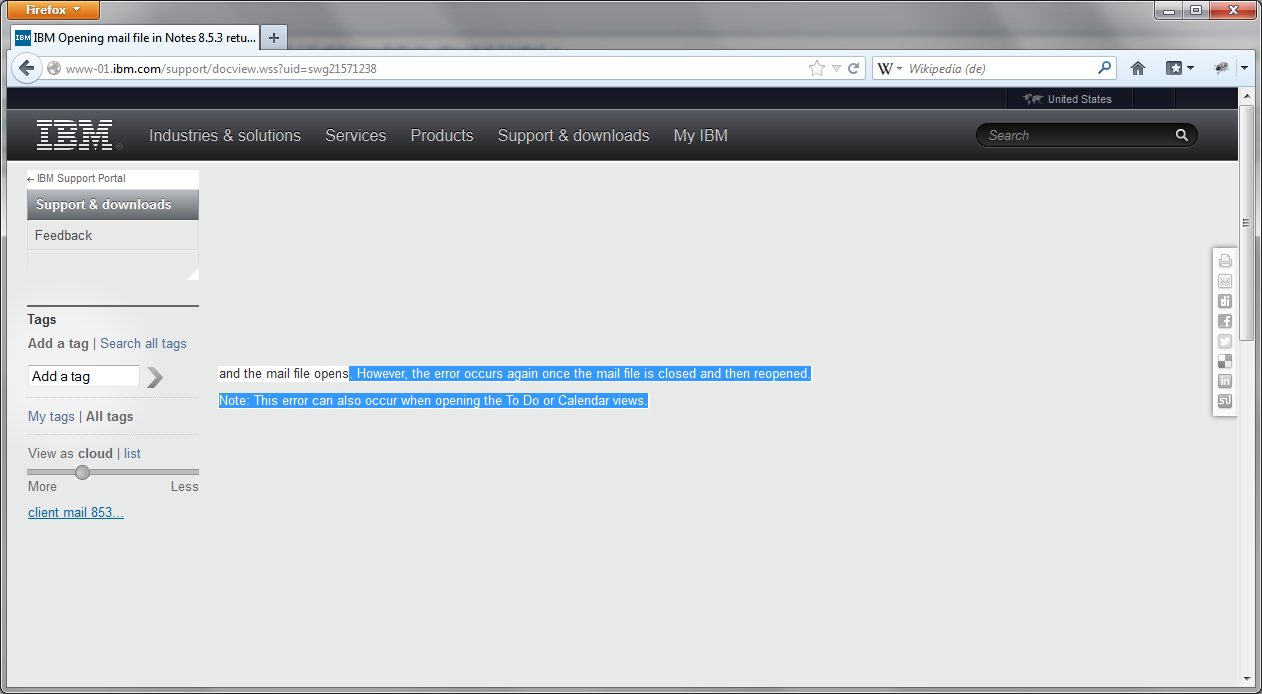
IBM website does not render properly in Firefox with Hardware Acceleration enabled

Newer Firefox (e.g. the newest ESR) versions can not render the IBM support website correctly. Many parts of the website are invisible and will show only sporadic on scrolling.


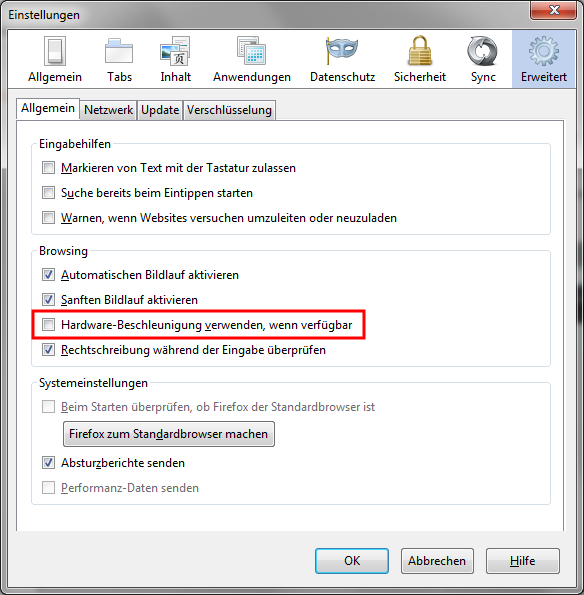
I can reproduce this problem on different workstations with different hardware and even on the newest non ESR Version of Firefox. But it is not reproducable in virtual machines. This is a serious problem, because it is impossible to work without the IBM support site. Our first workaround for this was to use Internetexplorer :-((. But now our PC support team has found out, that the problem is related to the hardware acceleration of Firefox. When you disable the hardware acceleration then the IBM site is working as expected again.


Sunday, March 31, 2013

Configure Domino to ignore whitespace during quota check.

When you have set quotas for your mail files on a server with transaction logging enabled (I really hope everyone has logging enabled.) your users have the problem, that after they have deleted some mails there is no possibility to remove  the whitespace from the database, because the option to compact is not available for databases which are transaction log enabled*. So many admins run "compact -c" regulary on all mail files to remove whitespace. But from a performance point of view copy style compacts are a really bad idea (I will provide more infos on this in a future blog post).

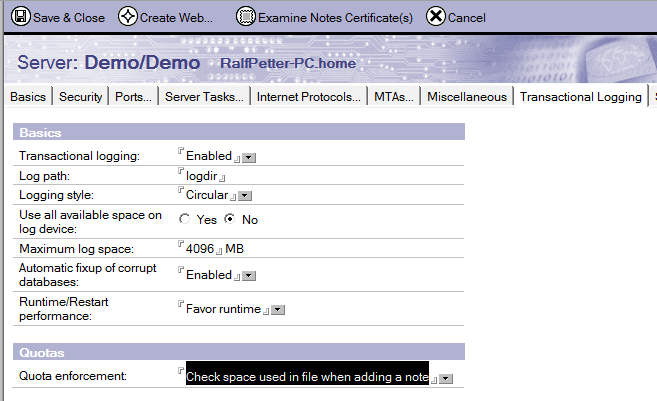
So the much better way to solve the problem is to change the "quota enforcement" setting on the "Transaction Logging" tab in your server document from the default "Check file size when extending the file" to "Check space used in file when adding a note". With this setting the white space is ignored on quota calculation and your users are happy again.


* The compact for user is disabled, because a copy style compact will generate a new DBIID and a change of the DBIID of a database make a new full backup of this database necessary.  
ad